DesignaKnit is powerful software for the serious machine knitter. It is designed to interface directly with electronic machines, but can also be used with any machine, manual to punchcard.
Expect a learning curve to create your own garment designs, modify "standard" designs, create stitch patterns, and knit-from-the-screen.
DesignaKnit can be a powerful design and shaping tool — even for non-electronic knitting machines like the LK-150, KX350, or TH-160. You won’t be able to download stitch patterns, but that doesn’t mean the software can’t transform your knitting.
If you have a non-patterning machine (no electronics or punchcard) DesignaKnit can be a great help with your knitting.
What You *Can* Do with DAK
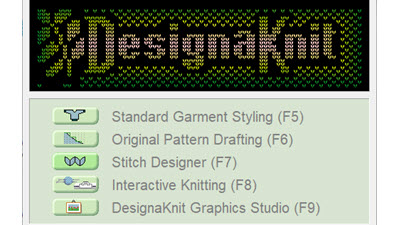
 Stitch Designer
You can create stitch patterns and use the printed diagrams to hand select needles.
 Graphic Studio
Use photos or scans to create stitch patterns.
 Standard Garment Styling
You can create hundreds of garment shapes and print out knitting instructions to use on any machine
 Original Pattern Drafting
Create knitted pieces from scratch or modify Standard Garment shapes and let DAK do all the math to create
knitting instructions based on your gauge
 Interactive knitting
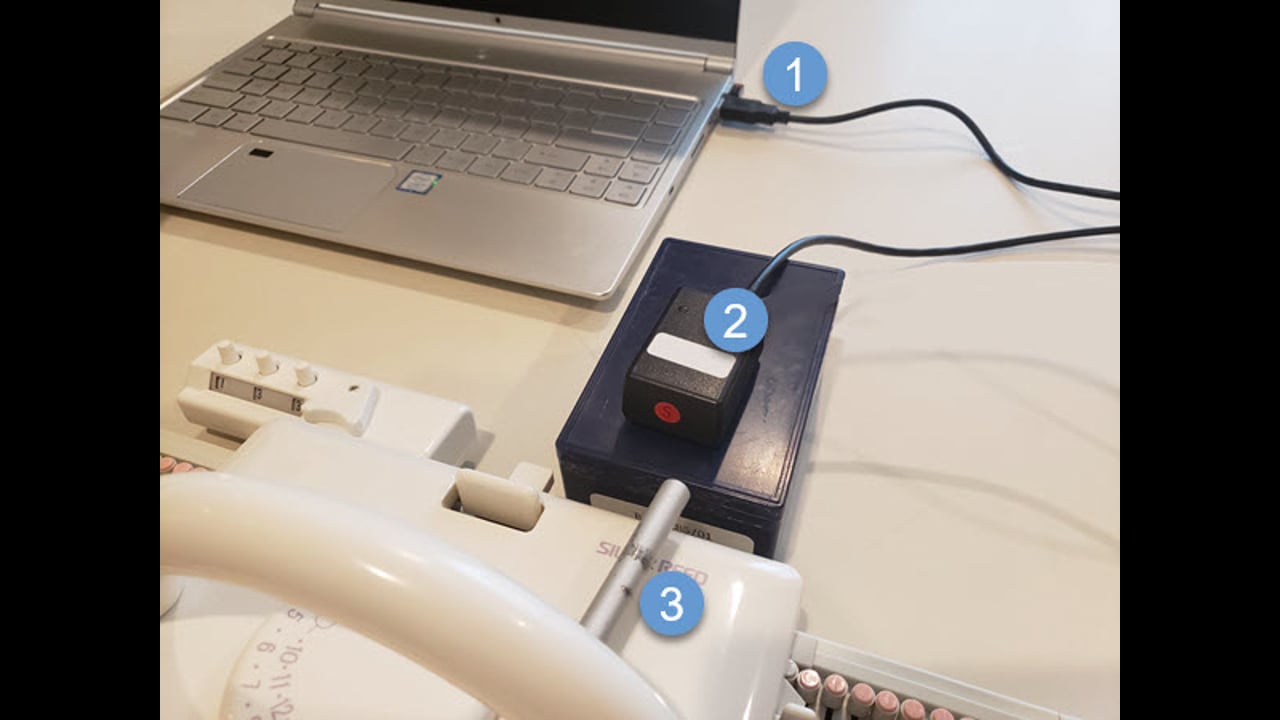
Using a cable you can "knit from screen".
This is an electronic version of a
Charting Device
What You *Can’t* Do
- You can’t download stitch patterns to your machine
Use DAK as Your Knitting Assistant
DesignaKnit won’t knit for you — but it will guide you. Use it to plan your shaping, visualize your stitch patterns, and knit with more clarity and confidence, even on a manual machine.
Want to Get More from DesignaKnit?
 Check out the course at LearnDesiganKnit.com created just for LK150 and manual machine users: "LK150: Getting the Most from DesignaKnit.
You’ll learn how to generate patterns, shape garments, follow charts, and use the software - even without an electronic machine.
Explore the Course
Frequently Asked Questions
Can I use DesignaKnit if I have no cable?
Yes! Many features work without any electronic connection. You’ll just use printouts or on-screen helpers for shaping and stitch charts.
Is this only for the LK150?
No. Any flatbed, non-electronic machine — like the Brother KX350 or Silver Reed TH-160 — can benefit from DAK’s planning tools.
Do I need to be good with computers?
Not at all. If you can open a file, click a few buttons, and follow step-by-step prompts, you can use DesignaKnit successfully.
What’s the difference between using DAK with and without electronics?
With electronics, you can download stitch patterns or use row-by-row tracking. Without electronics, you still get shaping help and stitch charts — just printed or viewed on screen.
 Need Help?